
In this section
Verify a webhook signature
Check that a captured request really came from Stripe, GitHub, Shopify, Slack, Twilio, Svix or any service that signs with an HMAC. The check runs in your browser; your secret is never sent anywhere.
Most services sign each webhook with a secret that only you and they know. Checking that signature proves the request came from them and wasn't changed on the way. You can do it on any captured request, against the exact bytes that arrived.
Before you start
- Have the signing secret to hand. Where to find it:
| Service | The secret |
|---|---|
| Stripe | The endpoint's signing secret, starting whsec_, under Developers → Webhooks |
| GitHub | The secret you typed when adding the webhook |
| Shopify | Your app's client secret, or the key shown under the store's webhook settings |
| Slack | The app's Signing Secret, under Basic Information |
| Twilio | Your account's auth token |
| Svix and Standard Webhooks | The endpoint's secret, starting whsec_ |
- Prefer a test-mode secret while you experiment.
Check the signature
- Open the request and click the Verify signature tab.
- Check Scheme. webhook.stream picks it from the request's headers, so it's usually right already. Choose Generic HMAC for a service that isn't listed.
- Paste the secret into Signing secret. Click the eye to see what you pasted.
The result appears straight away:
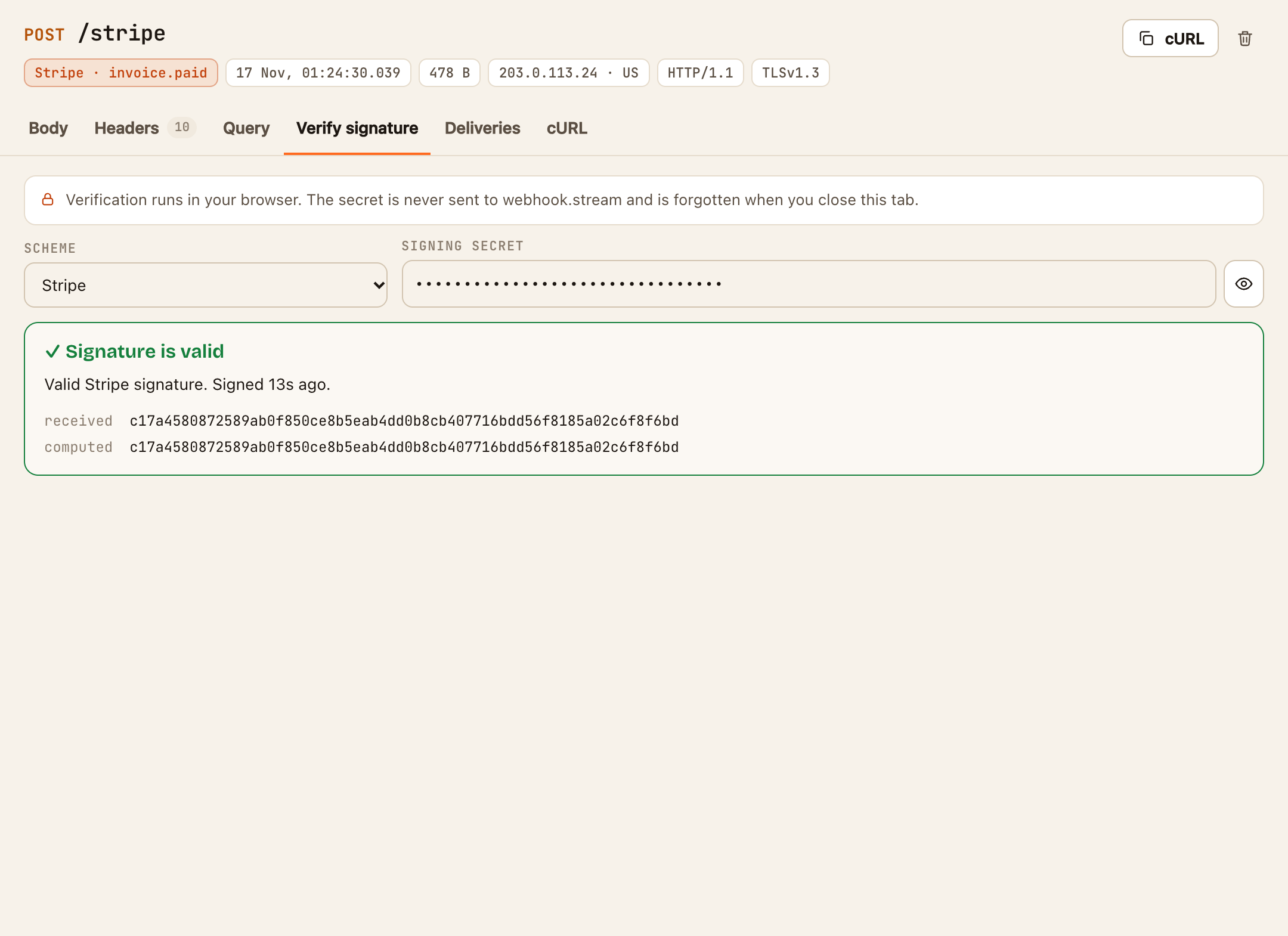
- ✓ Signature is valid: the request is genuine.
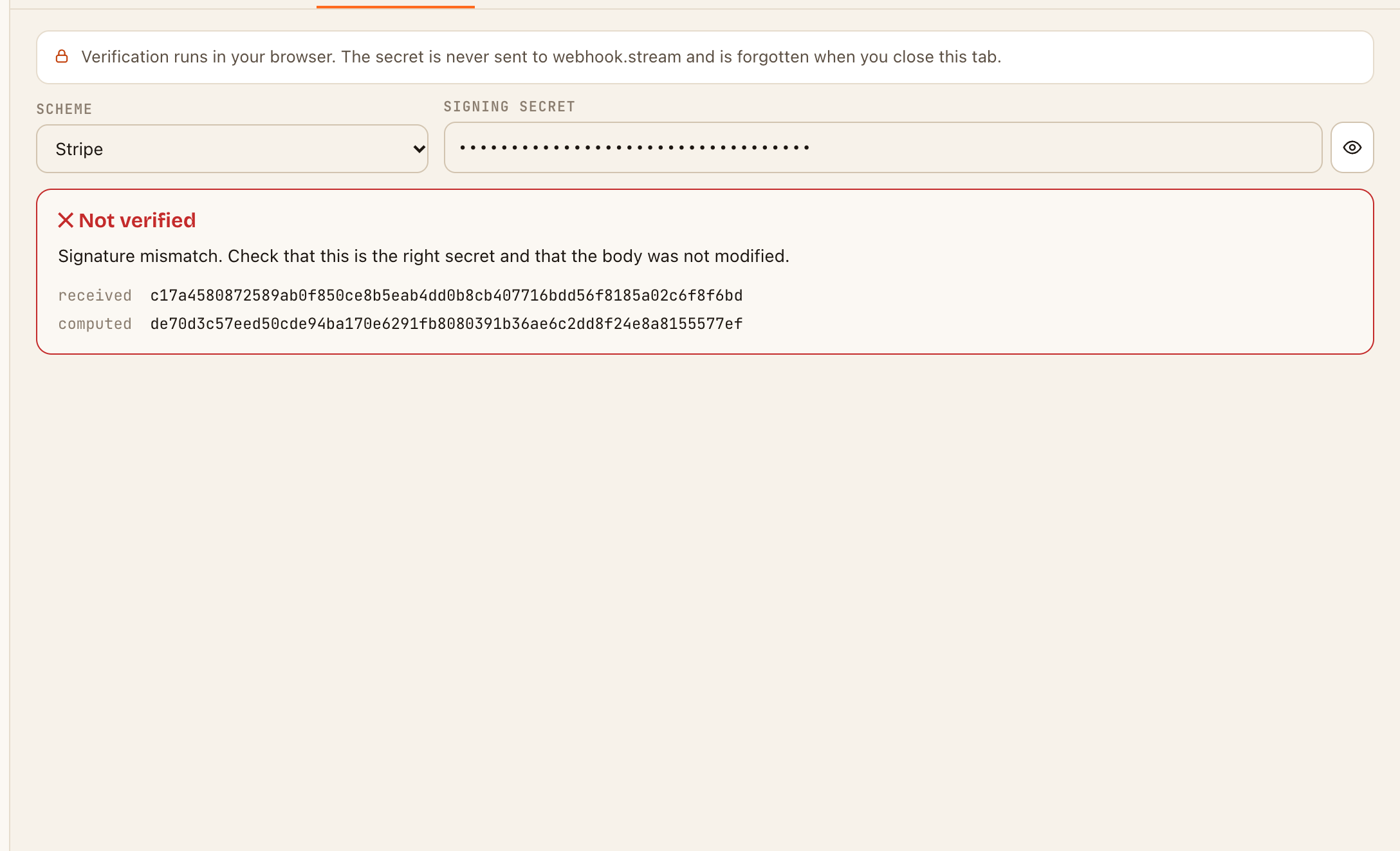
- ✕ Not verified: the signature doesn't match. The signature that was received and the one that was computed are shown underneath, with the reason.
Other services: Generic HMAC
For a service that signs with an HMAC but isn't listed:
- Choose Generic HMAC under Scheme.
- Set Algorithm (SHA-256, SHA-1 or SHA-512) and Encoding (hex or base64), as the service's documentation describes.
- Under Signature header, type or pick the header that carries the signature.
- If the value starts with a label, such as
sha256=, put it in Prefix. - Paste the secret.
If you leave Signature header empty, the HMAC is computed and shown, which is useful for comparing with your own code's result.
Your secret stays with you
The check uses your browser's built-in cryptography. The secret is never sent to webhook.stream, and it's forgotten when you close the tab. There's also a standalone signature verifier for bodies you paste in.
If something goes wrong
- The body was truncated. A body over the storage limit can't be checked. See Read a captured request.
- It says Not verified, and you're sure the secret is right. See The signature doesn't match.
- Twilio never verifies. Twilio signs the full URL it called, including any path and query string. Make sure the service was given exactly the URL the request arrived at.