
In this section
Find requests with filters and keyboard shortcuts
Narrow the request list by text or method, load older requests, and move around the inspector with j, k, / and c.
When a URL has caught dozens of requests, the filter and a few keys get you to the one you need.
Filter the list
- Click Filter requests above the list, or press /.
- Type any part of what you're looking for. The list narrows as you type.
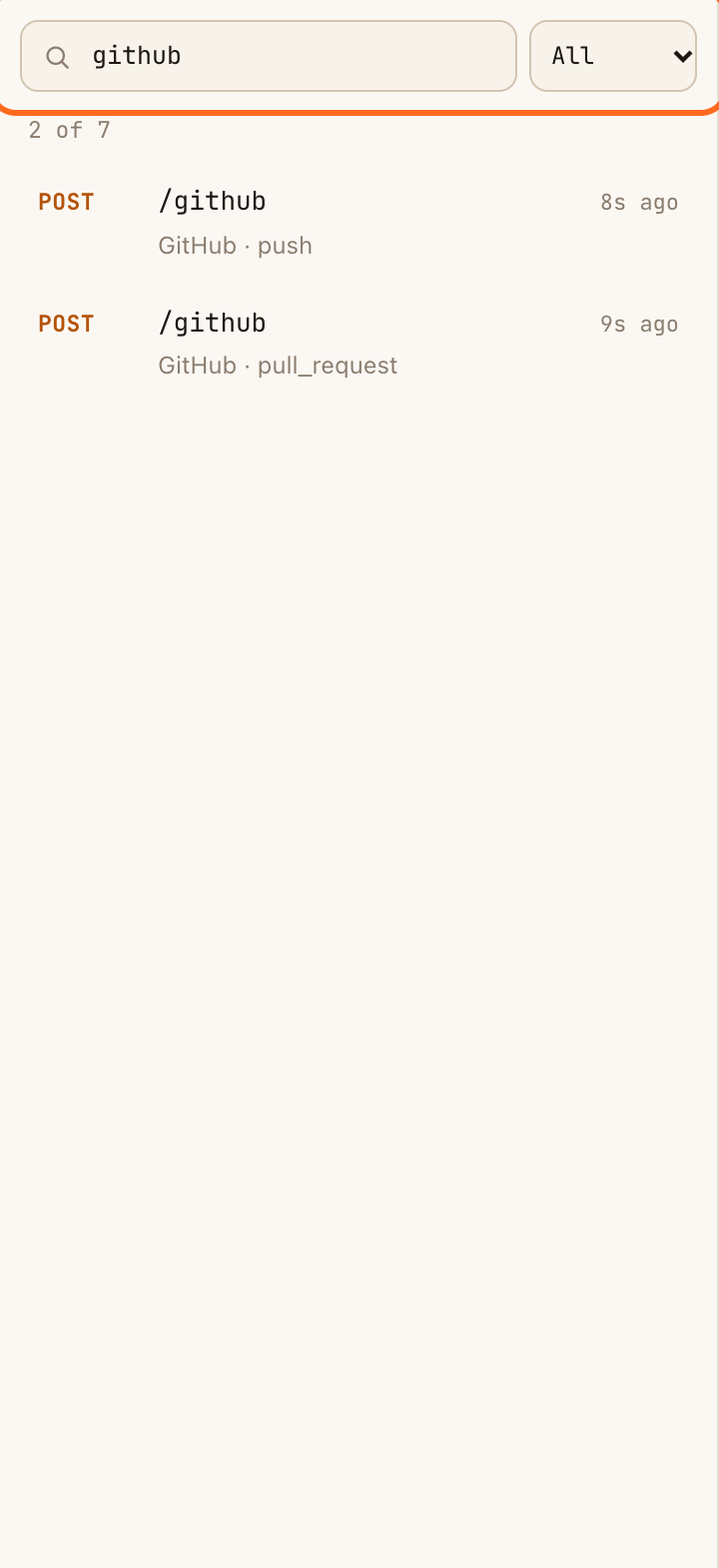
The filter matches the method, path, query string, recognised sender, event name, IP address, content type and request ID. Some useful searches:
| Type | To find |
|---|---|
stripe |
Every request recognised as coming from Stripe |
invoice.paid |
One kind of event |
/github |
Requests sent to the /github path on your URL |
env=staging |
Requests with that query parameter |
form-urlencoded |
Form posts |
To filter by method, choose one from the menu next to the search box: GET, POST, PUT, PATCH, DELETE, or Other for everything else (such as HEAD and OPTIONS). All removes the method filter.
The count under the search box shows how many requests match, for example 3 of 42.
The filter searches what the list shows. It doesn't search inside request bodies.
Load older requests
The list shows the newest requests first. When the URL has stored more than the list shows, Load older requests appears at the bottom. Click it to add the next page.
Keyboard shortcuts
| Key | Does |
|---|---|
| j or ↓ | Next request |
| k or ↑ | Previous request |
| / | Jump to the filter |
| c | Copy the webhook URL |
Shortcuts don't work while you're typing in a box or while a window such as Automations is open.
If something goes wrong
- "Nothing matches that filter". Clear the search box and set the method menu back to All.
- A request you remember isn't there. It may have been dropped: a free URL keeps its 250 most recent requests. The count shows how many were received in total, for example 250 requests · 1,204 received.