
In this section
Read a captured request
What each tab of a captured request shows, from the formatted body and headers to the query string, signature check, automation deliveries and a replayable cURL command.
Click any request in the list to open it on the right. Everything webhook.stream recorded about it is here, exactly as it arrived.
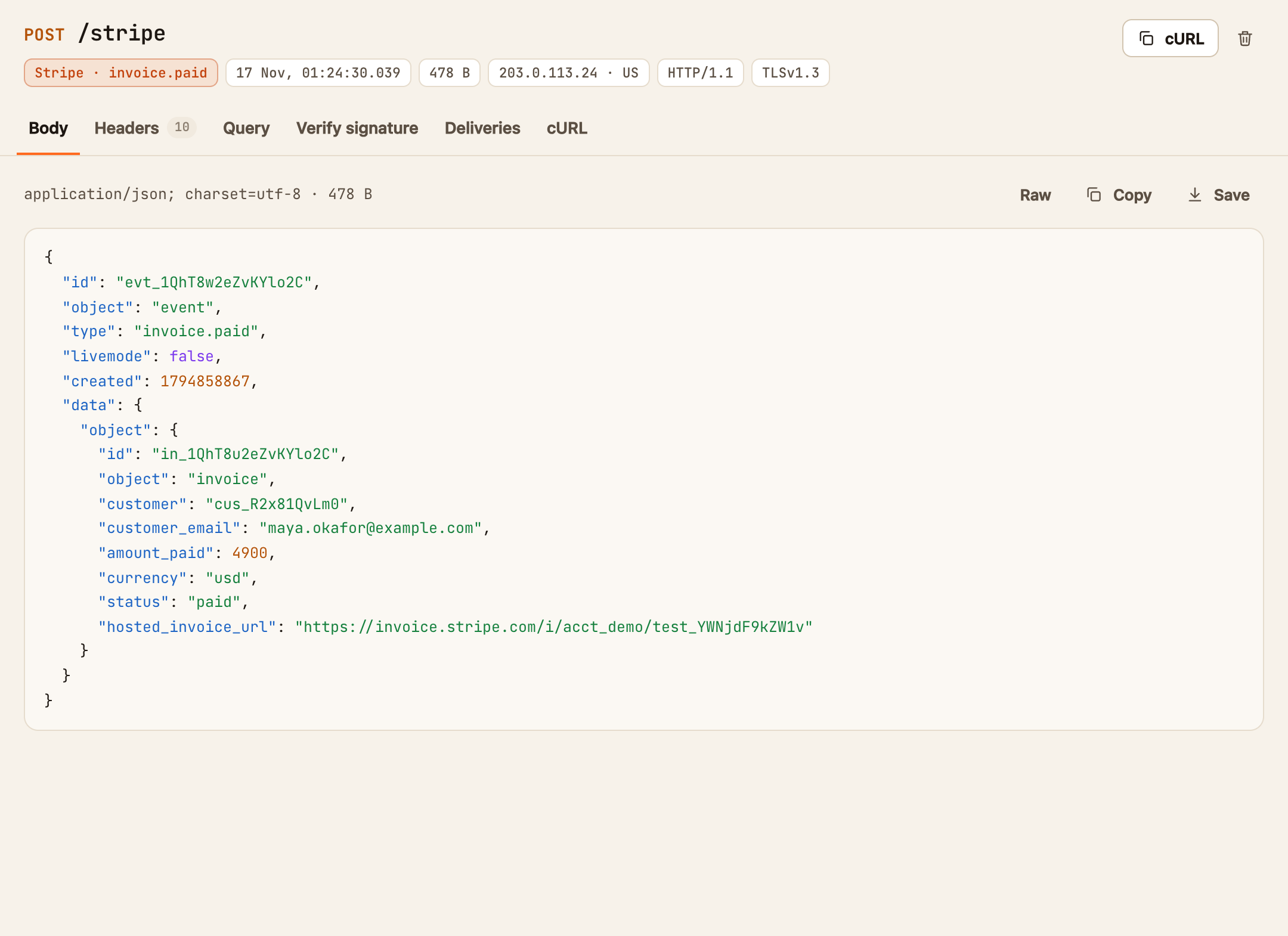
The top of the request
- The method and path. The path is whatever came after your URL's ID, so
…/your-id/stripe?env=testshows as/stripe?env=test. You can give different services different paths on the same URL to tell them apart. - The sender and event, when recognised, such as GitHub · push or Shopify · orders/create. Stripe, GitHub, GitLab, Bitbucket, Shopify, Slack, Twilio, SendGrid, Discord, Paddle, PayPal, Square, Svix and Standard Webhooks, Linear, HubSpot, Typeform, Zoom and Meta are recognised from their headers.
- The time, the size, and where it came from: the sender's IP address and country, and the HTTP and TLS versions it used. Hover over the IP address to see the network that owns it.
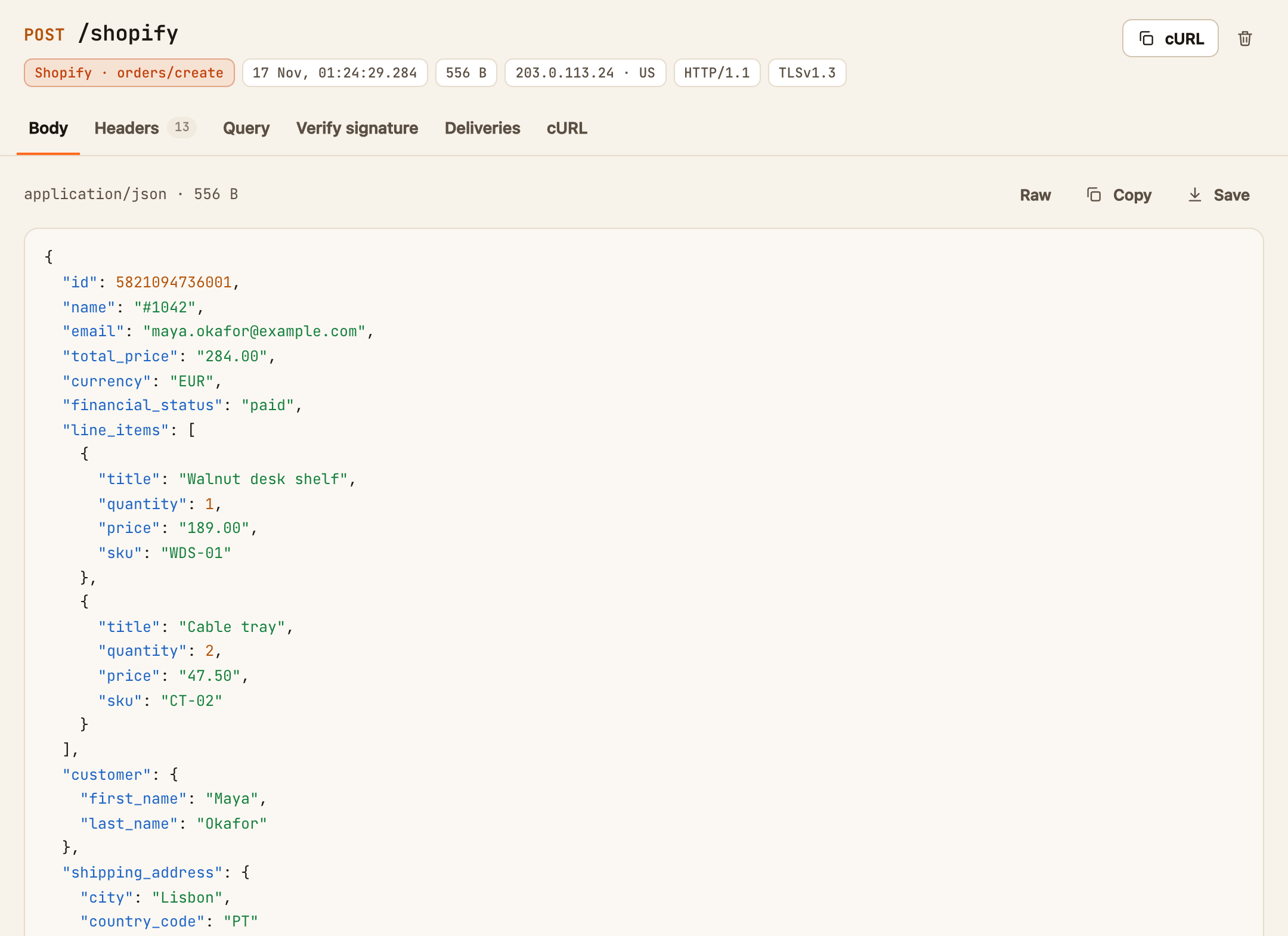
The tabs
| Tab | What it shows |
|---|---|
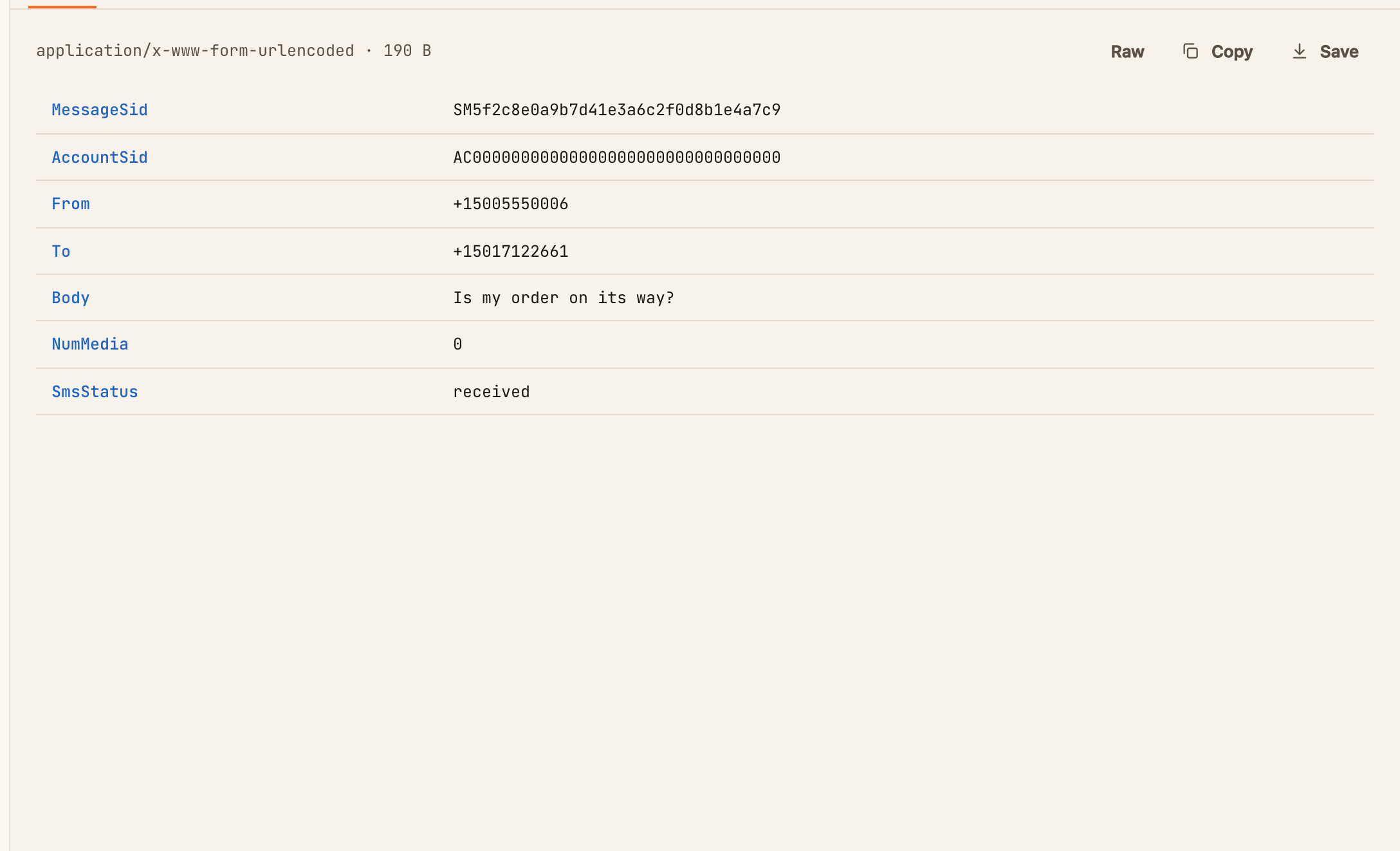
| Body | The body, formatted. JSON is indented and coloured, and form posts are shown as a table of fields. Raw shows it exactly as sent. Copy copies it, and Save downloads it as a file |
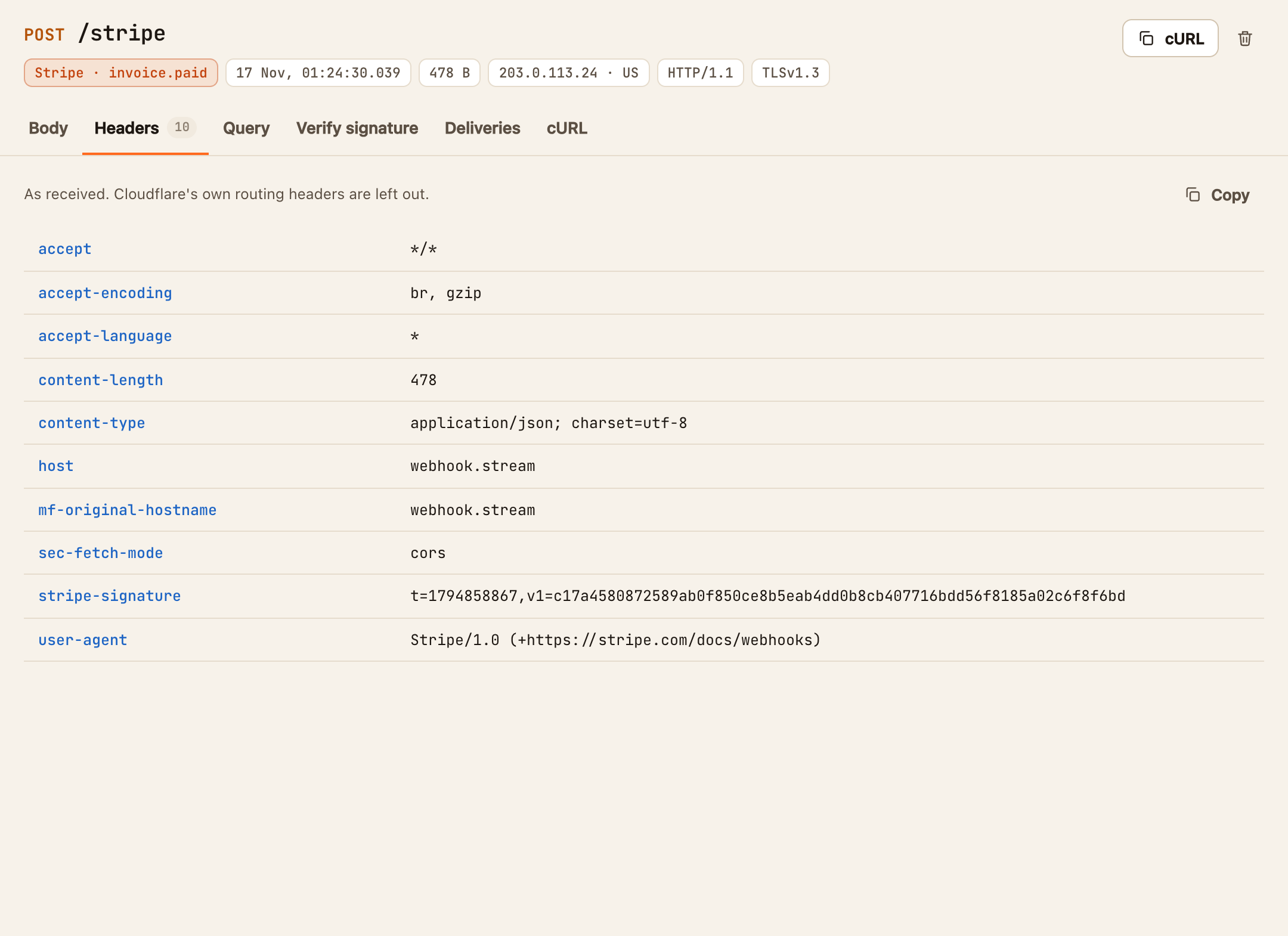
| Headers | Every header, as received. Cloudflare's own routing headers are left out. Copy copies them all |
| Query | The query string as a table of names and values |
| Verify signature | Checks the request's signature with your signing secret. See Verify a webhook signature |
| Deliveries | What your automations sent because of this request, and what came back. It turns red when one failed. See Check what an automation sent |
| cURL | A command that replays this exact request. See Replay or export a request |
Things worth knowing
- Numbers are shown exactly as sent. The formatted view never rounds or reformats a value, so a 19-digit ID looks the same as in the raw body.
- Binary bodies, such as an uploaded image, are shown as a hex preview. Save downloads the original file.
- Large bodies are cut short. A free URL stores the first 512 KB of a body, and a URL with a Pro pass stores 1 MB. A body over the limit shows a warning with its true size. The request is still recorded, but its signature can't be checked.
- A URL keeps its most recent requests: 250 on a free URL and 2,000 with a Pro pass. When it's full, the oldest is dropped to make room.
- A request labelled Test came from Send sample, not from a real service.