
In this section
Replay or export a request
Copy any captured request as a cURL command and send it again to your own server, save one body as a file, or export every request on a URL as JSON.
Once a real webhook has arrived, you can send it again as often as you like. That's usually the quickest way to build and debug the code that handles it.
Replay a request with cURL
- Open the request.
- Click cURL at the top right to copy the command. You can also open the cURL tab to read it first.
- Paste it into a terminal and replace the webhook.stream address with your own server's, for example
http://localhost:3000/webhooks. - Run it.
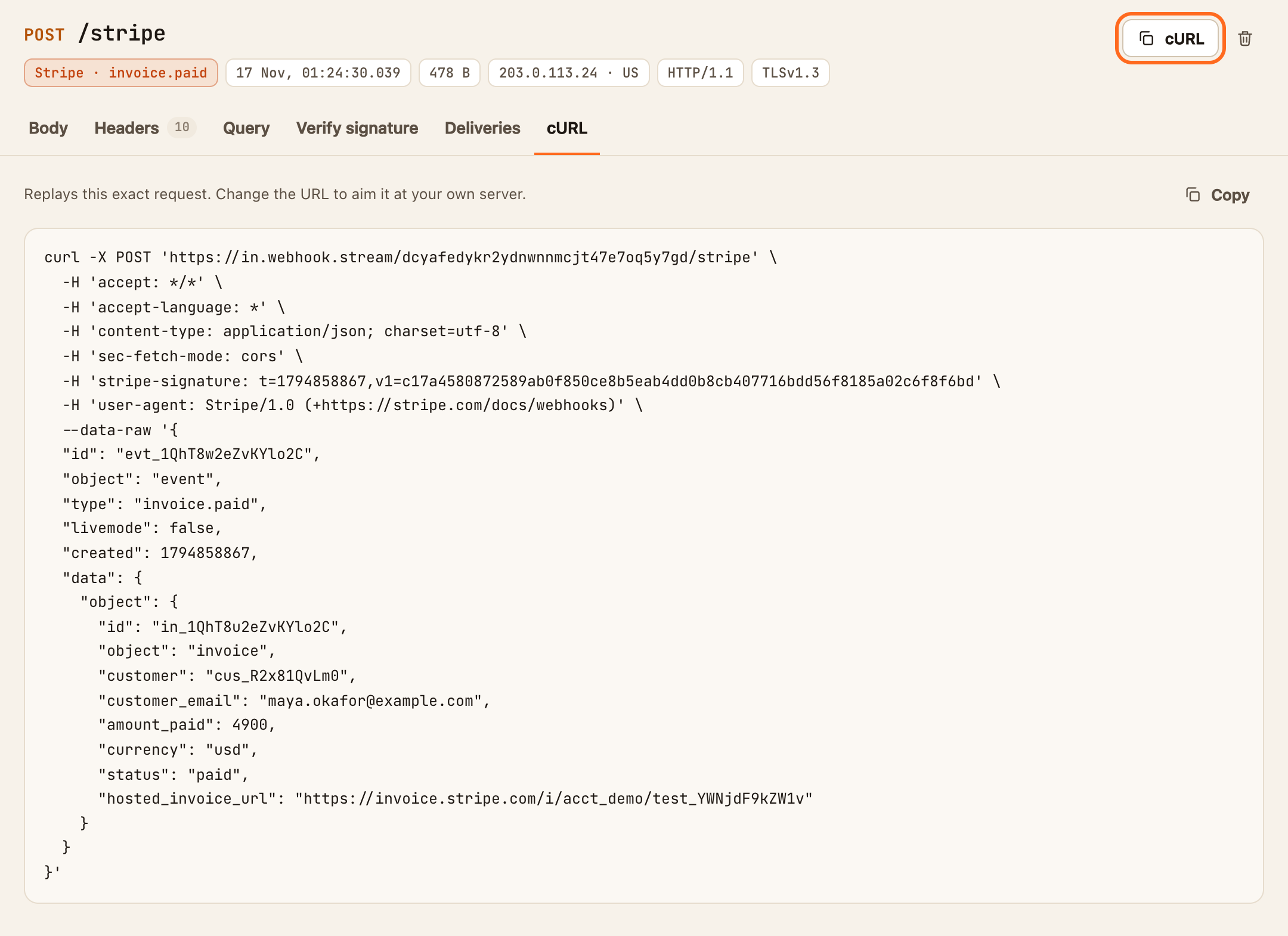
The command reproduces the original method, headers and body byte for byte, so your code receives what the service sent.
Signatures still check out when you replay this way, because the body and the signature header are unchanged. The exception is services that sign a timestamp, such as Stripe and Slack: after about five minutes, strict verification rejects the replay as too old. Relax the time check while developing, or forward live requests instead. See Forward webhooks to localhost.
Save one body as a file
- Open the request, on the Body tab.
- Click Save.
The body downloads as it arrived: .json for JSON, .txt for other text and .bin for anything else. Saved payloads make good test fixtures.
Export every request on a URL
- Click ⋯ (more) at the end of the toolbar.
- Click Export all as JSON.
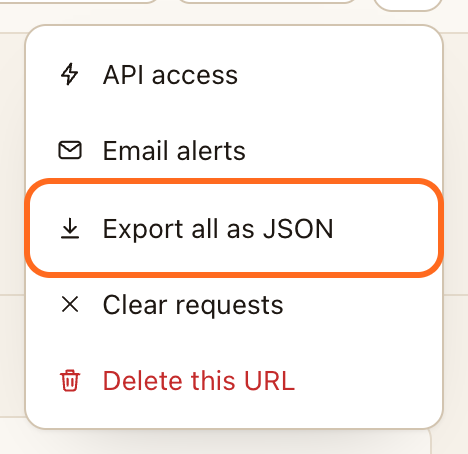
A JSON file downloads with every stored request on the URL, each with its method, path, query string, headers, body and time. Do this before a URL expires if you want to keep what it caught.
Things worth knowing
- Exports contain whatever the services sent, which may include personal data or secrets. Store them accordingly.
- A truncated body is exported as stored, not in full. See Read a captured request.