
In this section
The inspector won't open my URL
What the inspector's messages mean, from "This link cannot open the inspector" to "This URL has expired or was deleted", and how to get back to your requests.
The inspector opens a URL from its dashboard link, or from the URLs your browser remembers. When it can't, it says why.
"This link cannot open the inspector"
The dashboard key in the link is missing or wrong. This nearly always means the link was cut short: the key is everything after the dot that follows the #.
To fix it: ask whoever shared the link to copy it again from Stream → Share this inspector, using the Copy button, and to send it in full. If you shared it yourself, copy it again on the device where it works.
"This URL has expired or was deleted"
The URL's time ran out, or someone deleted it from the inspector. Everything it captured has been erased and can't be recovered. The webhook URL now answers 410 to anything sent to it.
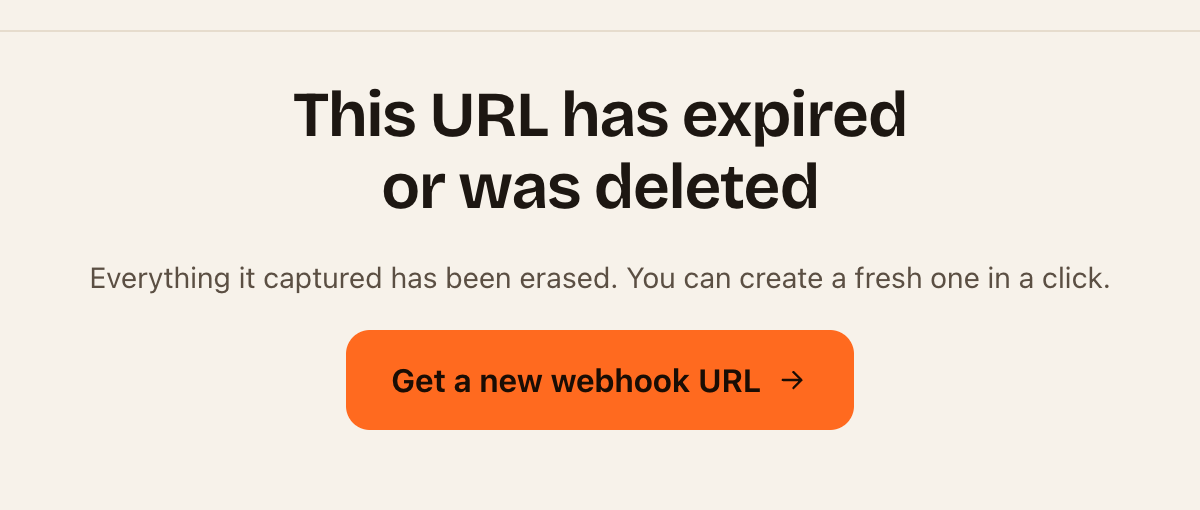
To fix it: click Get a new webhook URL, then update the address at the services that sent to the old one. To stop a URL you rely on expiring, see Keep a URL longer with a Pro pass.
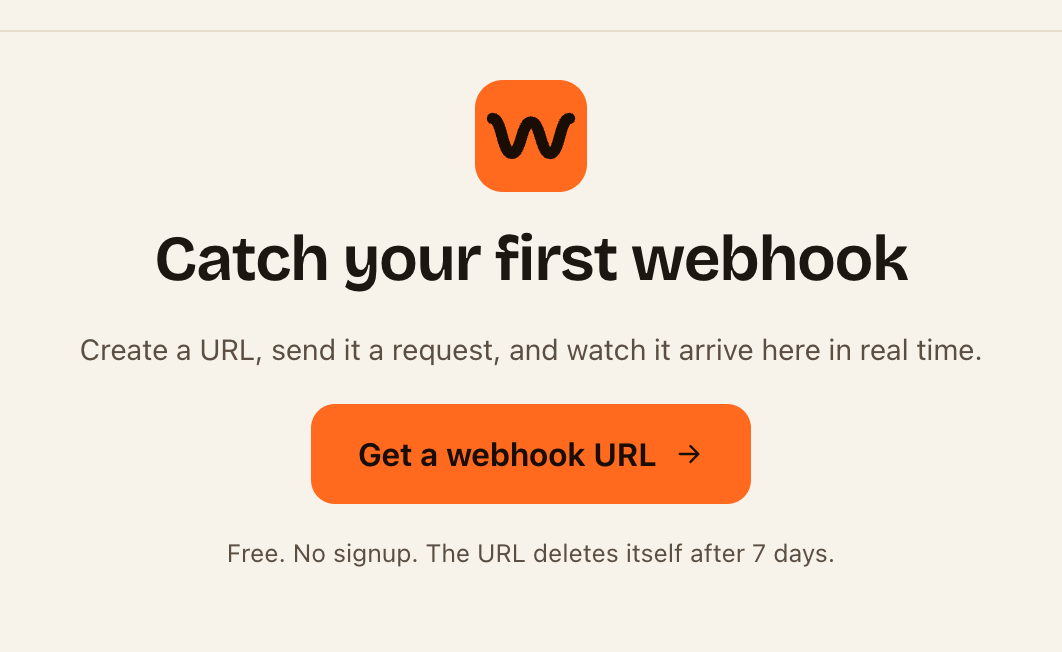
"Catch your first webhook"
This browser has no URLs saved, and the address you opened has no dashboard key. It happens when you:
- Open the inspector in a different browser, device or private window from the one you made the URL in.
- Cleared your browser's site data.
- Opened
webhook.stream/inspect/without the part after the#.
To fix it: open the full dashboard link. If you didn't keep it anywhere and can't open it in the original browser, it can't be recovered: webhook.stream doesn't know who created a URL, so there's no account to recover it through. Create a new URL. See Open your inspector on another device, or share it.
"Could not load this endpoint"
Something went wrong while loading, such as a dropped connection. Click Try again. If it keeps happening, contact support with the message shown.